VioFamily helps you create a parent-approved video space. Add the videos, playlists, and channels you trust — then your child can choose freely inside that safe list.
Many parents use YouTube for songs, learning videos, stories, and tutorials. The challenge is open browsing, recommendations, comments, and "just one more video".
VioFamily helps turn a wide-open video platform into a smaller, parent-approved space.
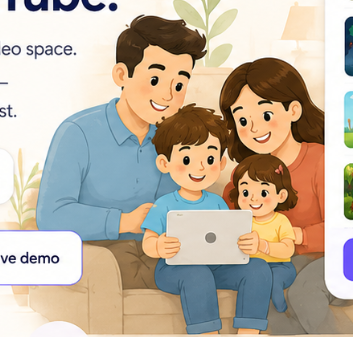
Parents pick what belongs. Kids pick what to watch — only inside that list.
Three small steps. One safer, calmer space — and you can see the difference right away.
Paste any YouTube link — a video, a playlist, or a whole channel you already trust.
Preview each item and approve only what fits your family.
Kids open Kid Mode and choose freely — only inside your approved list.
A small set of tools, designed to feel friendly, not controlling.
Safe, age-appropriate videos you can trust.
A simple, safe space for kids.
Protect your settings and kids.
Add videos easily from anywhere.
Set healthy limits that fit your family.
Keeps preferences in sync across devices.
See what they've watched.
Create and manage lists for each child.
No surprises, no ads, cancel any time.
Everything one family needs to start.
Real parent questions, plain-language answers.
We're a small, family-first team and this is just version one. Instead of guessing what's next, we'd rather hear from the parents actually using it. Tell us what would make VioFamily more useful for your family.
A missing feature, a small annoyance, an idea you wish existed. Every reply lands with the people building this. We read all of them.
Prefer email? Reach us directly at support@vio.family
